Create a Custom Stamp Online — Free, Forever
SimpleStampMaker is a free online stamp generator that runs entirely in your browser. Design a circle, rectangle, or diamond stamp with your own text, logo, and ink color — then download it as a transparent PNG ready to drop into PDFs, contracts, invoices, or printed documents. No signup. No watermark. No upsell. Just a working tool.
Most online stamp makers ask for an email, paywall the high-quality export, or stamp their own brand onto your design. This one doesn't. Make as many stamps as you want, use them however you want.
How to Make a Stamp Online
- Pick a shape — circle, rectangle, or diamond. Circle stamps support curved arc text on the top and bottom.
- Choose an ink color — pick from six presets (crimson, navy, forest, plum, gold, black) or use the custom color picker.
- Add your text — type your main text and an optional secondary line. Choose from five fonts including typewriter, bold display, and serif.
- Upload a logo or icon (optional) — add a signature, monogram, or company mark and adjust its size and position.
- Tweak the details — border thickness, double-ring, and stamp opacity. Lower opacity gives the aged, weathered ink look.
- Download — hit the download button and get a transparent PNG instantly.
What You Can Use It For
Business & Approval Stamps
Approved, paid, received, confidential — drop onto invoices, contracts, and internal docs.
Company Seals & Logos
Build a digital company seal with your business name and registration details.
Notary & Legal
Design notary-style round stamps with arc text for legal templates and form-filling.
Teacher Stamps
"Great Work," "Try Again," gold-star marks for digital grading and printable worksheets.
Wedding & Event
Monograms, save-the-date stamps, and decorative seals for invitations and stationery.
Crafts & Branding
Etsy shops, packaging stickers, zines, scrapbooking, and personal branding marks.
Date & Address Stamps
Quick rectangular stamps with addresses, dates, or repeat-use text blocks.
Rubber Stamp Templates
Export the PNG and send it to a manufacturer to produce a real self-inking stamp.
Why Use SimpleStampMaker Instead?
- Truly free — no trial, no paywall, no "upgrade for full quality." Every export is full resolution.
- No watermark — your stamp is your stamp. Nothing branded on it.
- No signup or email required — open the page, design, download. The whole thing takes 30 seconds.
- Transparent PNG export — paste directly over any document background.
- Runs locally in your browser — your designs and uploaded logos never leave your computer.
- Works on any device — desktop, tablet, or phone. No app to install.
Free Stamp Templates
Start from a ready-made design — each one opens here pre-filled so you can change it, or download the PNG directly. See all templates.
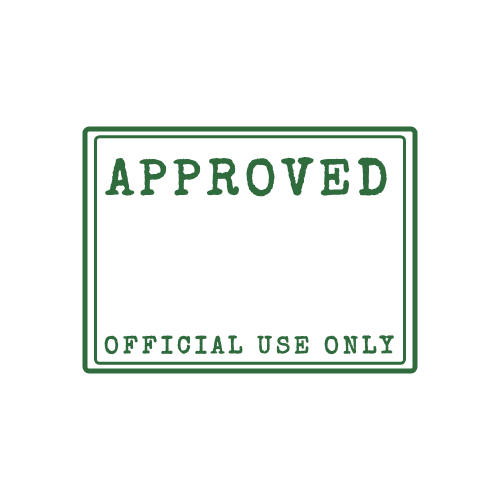 Approved Stamp
 Paid Stamp
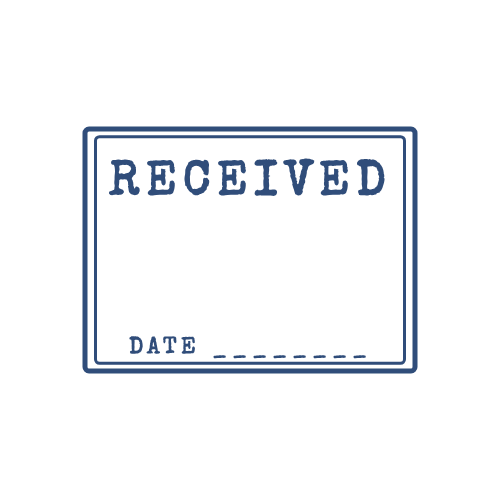 Received Stamp
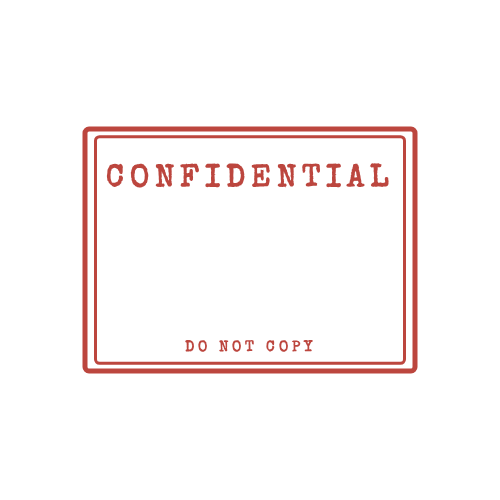 Confidential Stamp
 Draft Stamp
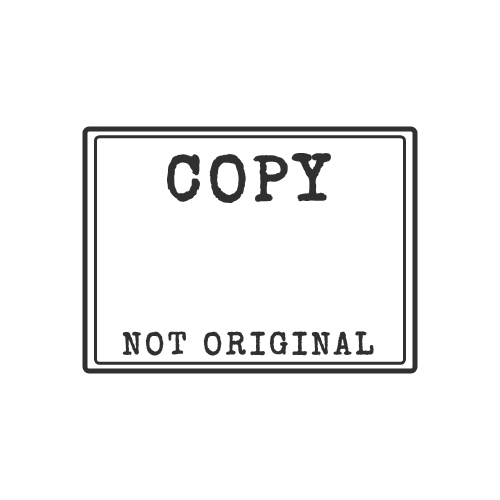 Copy Stamp
 Urgent Stamp
 Rejected Stamp
Stamp Guides
- How to Add a Stamp to a PDF (Free, 4 Ways)
Step-by-step: put a stamp image on any PDF for free with Adobe Acrobat Reader, macOS Preview, Microsoft Word or Google Docs. No paid software needed.
- How to Add a Stamp in Word (Every Page or Just One)
Put a stamp image in a Word document: insert it in front of text, keep the transparent background, repeat it on every page with the header, and export to PDF.
- Stamp Size Guide: Common Sizes in mm, Inches and Pixels
Standard rubber stamp sizes for round and rectangular stamps in mm and inches, plus how many pixels you need to print a digital stamp sharply.
- Company Stamp: What to Include and How to Make One
What belongs on a company stamp — name, legal form, address, contact details, registration or VAT number — with layout examples and when a stamp has legal weight.
All guides · Seal maker · Stempel erstellen (Deutsch)
Frequently Asked Questions
Is SimpleStampMaker really free?
Yes. Completely free with no signup, no watermark, and no payment required. Create unlimited stamps and download them as transparent PNG files.
Do I need to sign up or create an account?
No account needed. The stamp maker runs entirely in your browser. Open the page, design your stamp, and download — that's it.
What format does the stamp export as?
Stamps are exported as PNG files with a transparent background, ready to paste into PDFs, Word documents, contracts, invoices, or any digital paperwork.
Can I use the stamps commercially?
Yes. Stamps you create are yours to use for any personal or commercial purpose, including business documents, branding, marketing, and client deliverables.
Can I upload my own logo?
Yes. Upload any image — PNG, JPG, or SVG — and the tool will place it inside your stamp. You can adjust the size and vertical position to fit your design.
What stamp shapes are supported?
Three shapes: circle (with arched text on top and bottom), rectangle, and diamond. You can customize the border width, add a double ring, and tweak the opacity to simulate aged ink.
Can I print this as a physical rubber stamp?
Yes. Download the PNG and send it to any rubber stamp manufacturer. They can convert it to a physical self-inking or pre-inked stamp.
Does the exported stamp have a watermark?
No watermark, ever. The exported PNG contains only the stamp you designed on a transparent background.
Is my uploaded logo or image private?
Yes. The entire tool runs in your browser. Nothing you type or upload is sent to a server — your designs stay on your device.