Free Stamp Templates
Ready-made stamps for everyday paperwork — approved, paid, received, confidential and more. Each one downloads as a transparent PNG, and every template opens in the stamp maker so you can change the text, colour, shape or add your logo.
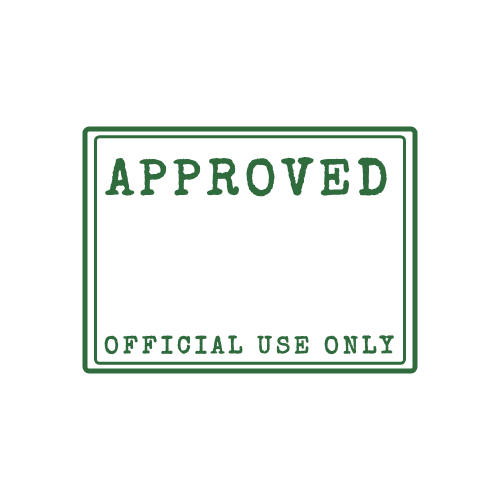 Approved Stamp
 Paid Stamp
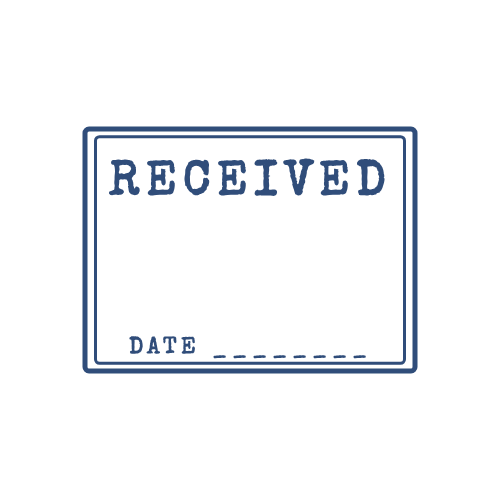 Received Stamp
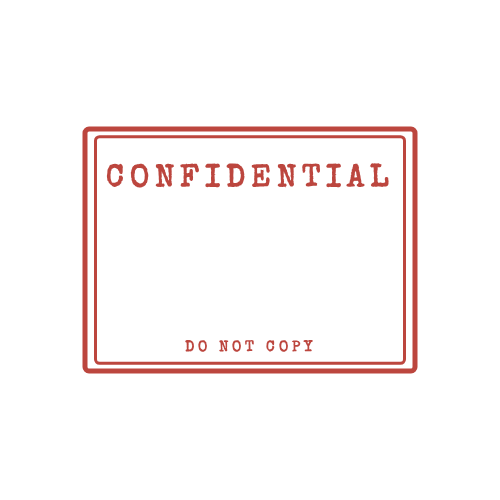 Confidential Stamp
 Draft Stamp
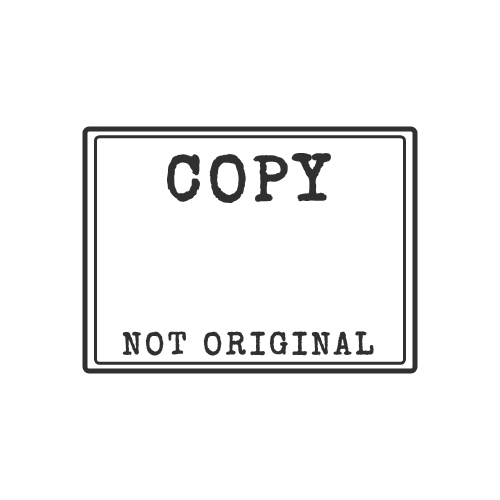 Copy Stamp
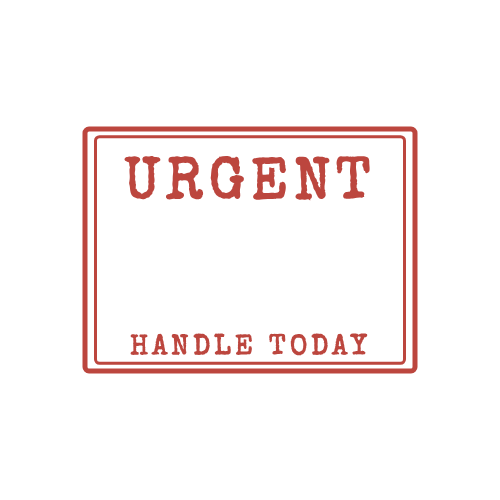 Urgent Stamp
 Rejected Stamp
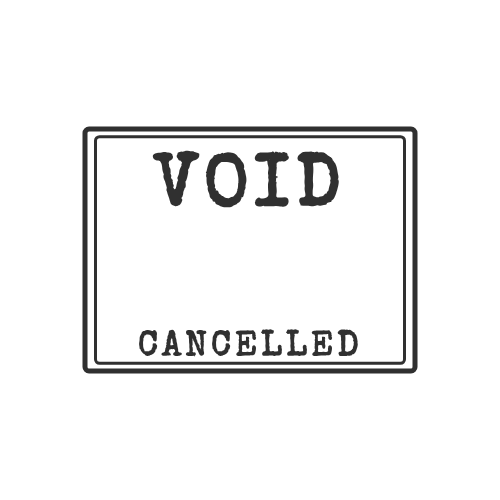 Void Stamp
 Company Stamp
How to use a template
- Pick a template above to see what it's for and when to use it.
- Download the PNG as it is, or click Customize this stamp to edit it in the stamp maker.
- Place it on your document — see how to add a stamp to a PDF or in Word.
Which colour means what?
| Colour | Usually means | Templates |
|---|---|---|
| Green | Approved, OK, go ahead | Approved |
| Red | Paid, urgent, rejected, confidential — needs attention | Paid, Urgent, Rejected, Confidential |
| Blue | Received, official, company | Received, Company stamp |
| Black / purple | Neutral status: copy, void, draft | Copy, Void, Draft |
These are conventions, not rules — pick whatever your team recognises.
Need a seal instead?
For certificates, awards and badges, try the seal maker: round seals with ribbon, starburst or scalloped edges.